Flexible sign-in
Password, 12-word passphrase, and authenticator-code options.
PERSONAL PROJECT / WINDOWS
Desktop locking.
Application access.
A clearer view of your PC.
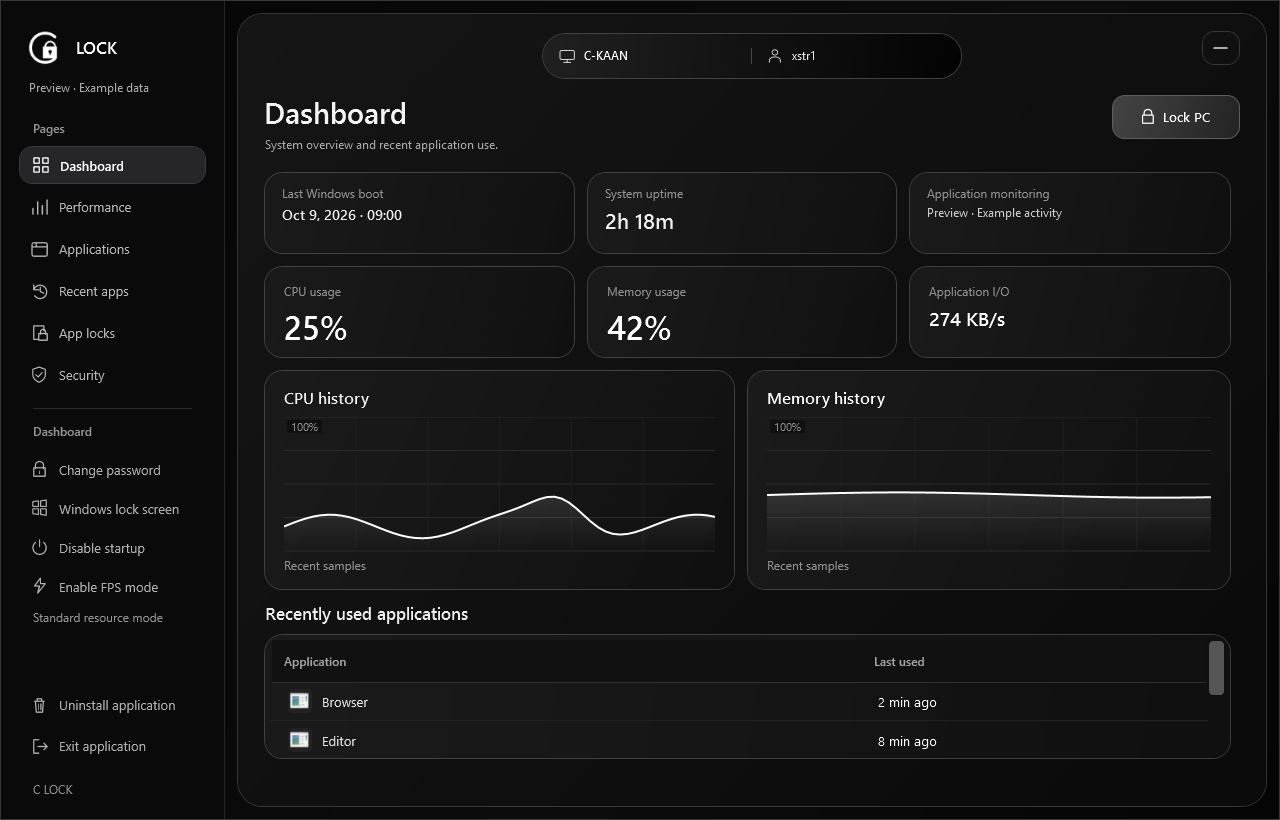
A personal Windows app that brings a customizable lock screen, application controls, and system monitoring into one dashboard.
THE APPLICATION
Locking and access controls alongside a practical view of system activity.
Password, 12-word passphrase, and authenticator-code options.
Manage access to selected applications on your Windows desktop.
CPU and memory charts, performance information, and recent application activity.
Pause background collection to reduce resource usage when needed.
C LOCK adds a desktop lock layer. Windows sign-in remains the security boundary, and the native Windows lock is available separately.
APP SCREENS
Select a screen to open the full image.
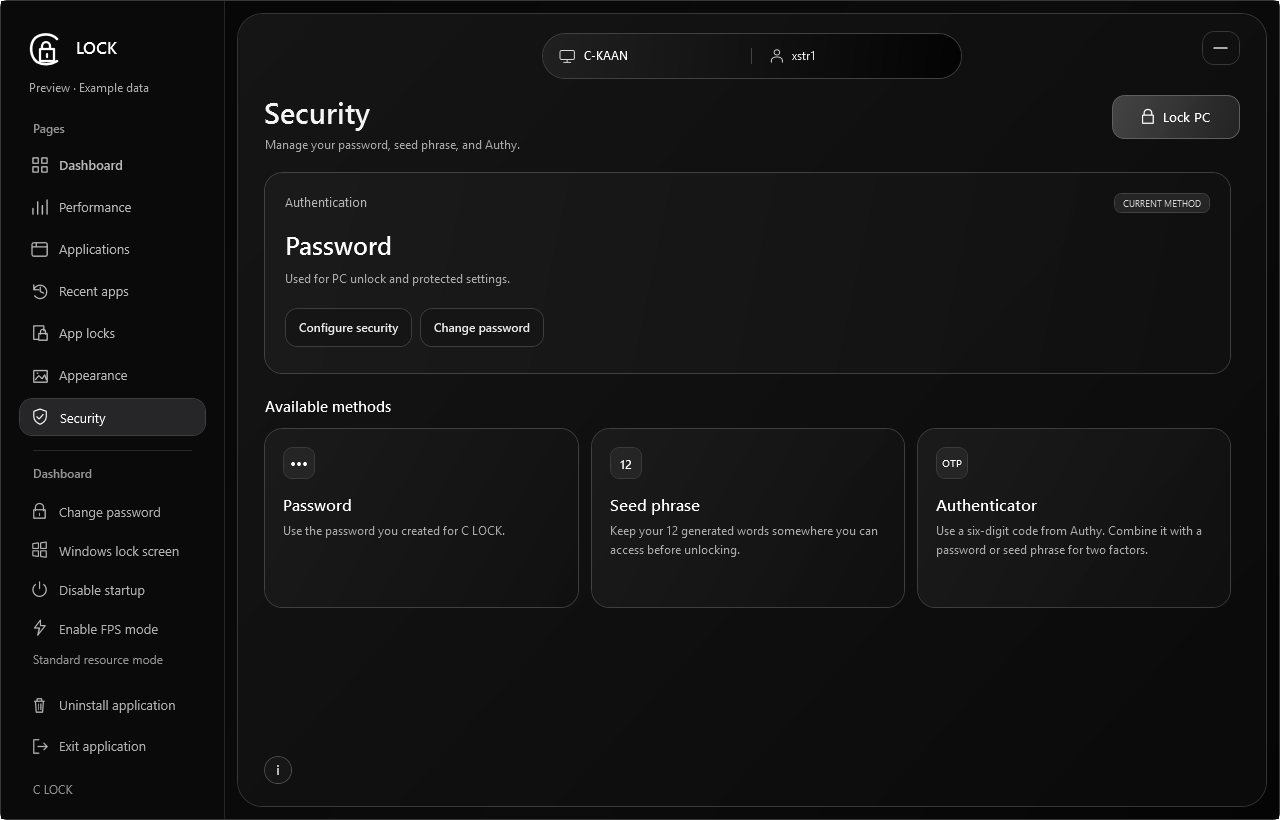
Sign-in methods and lock preferences.
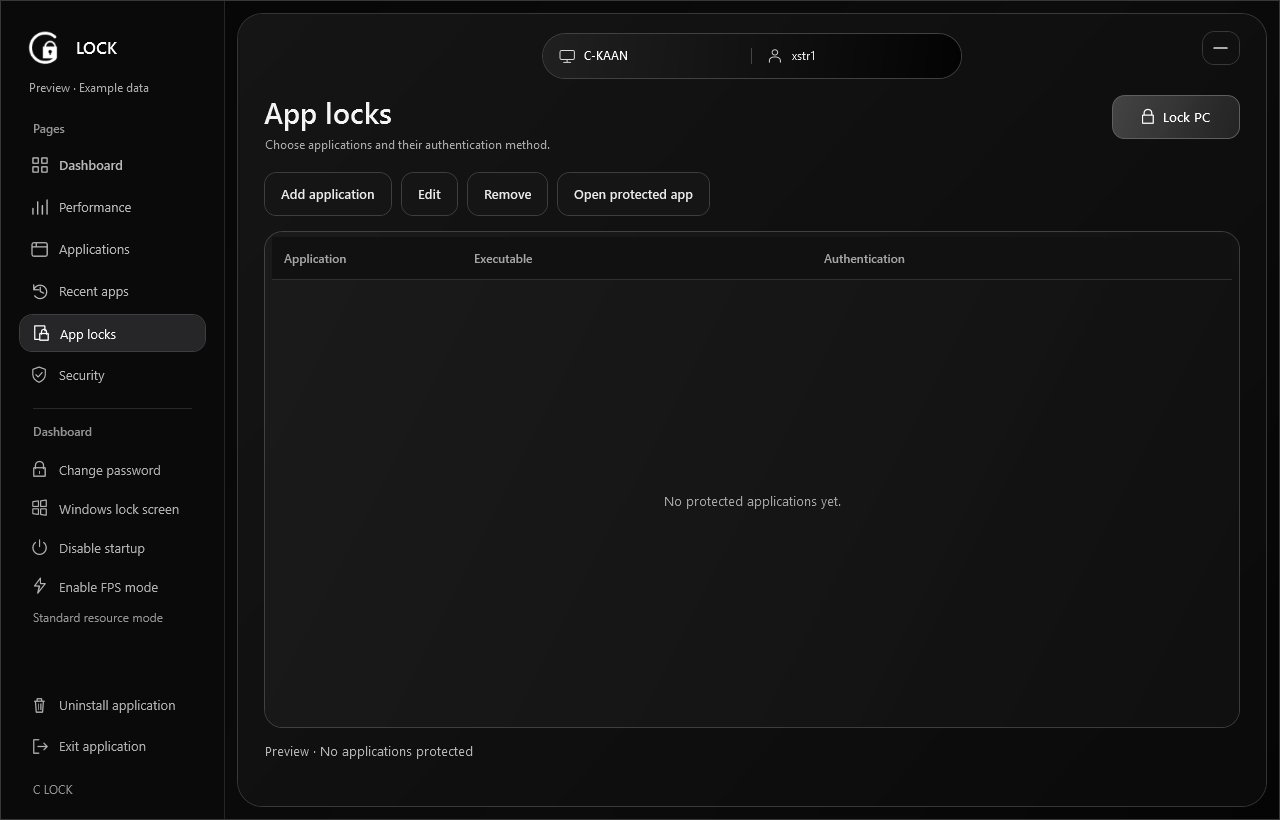
Access controls for local applications.
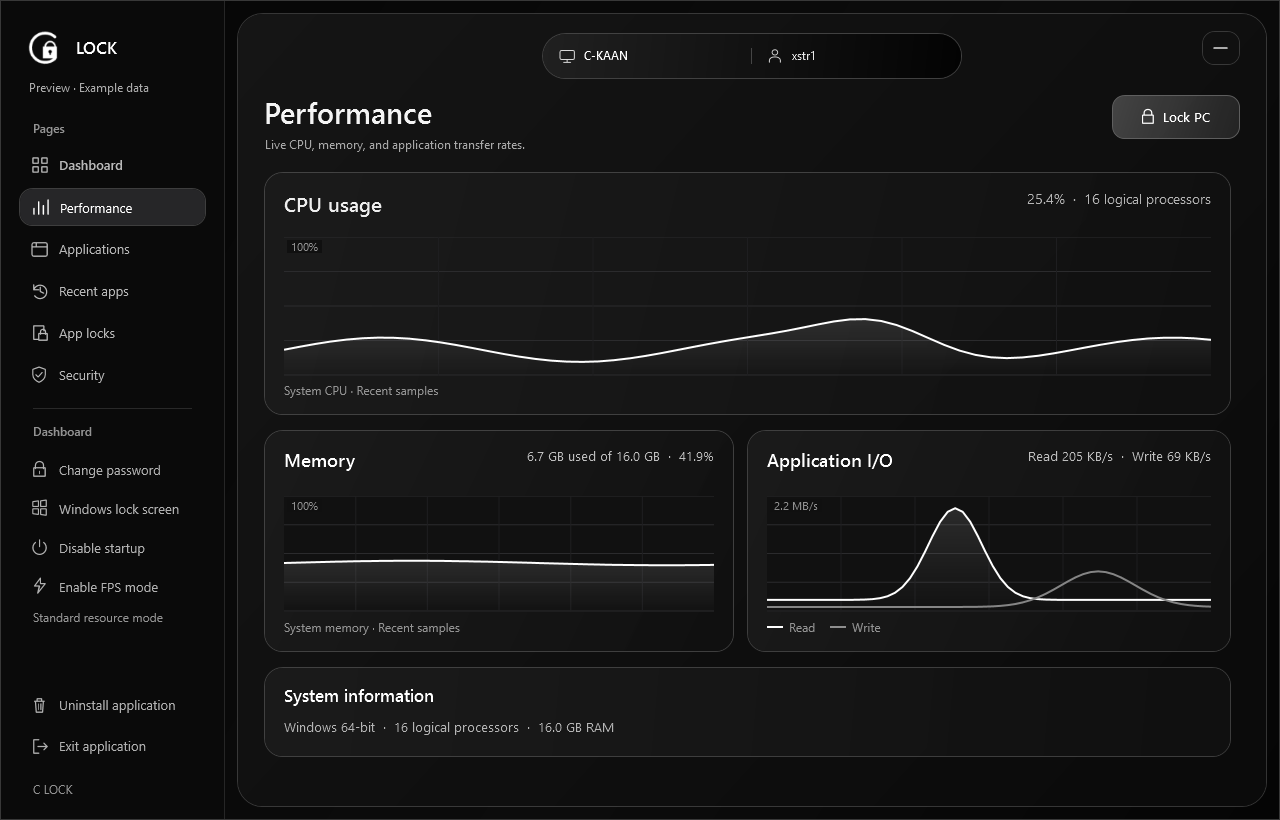
System activity and resource monitoring.